

Check component activation status
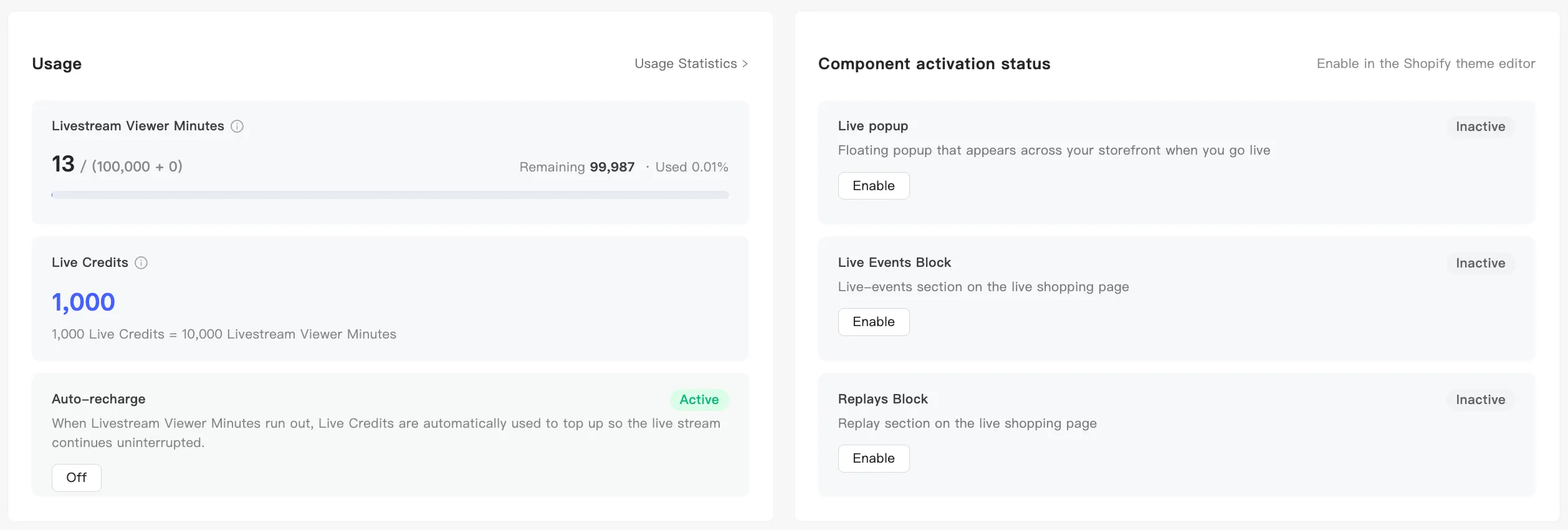
The Component activation status card on the home page tells you whether your three display components are live in your store.
Where to look
Section titled “Where to look”Open the home page and find Component activation status. Each component gets a row:
| Component | What it does |
|---|---|
| Live popup | A global floating pop-up that appears while you broadcast |
| Live Events Block | The event display component on your live shopping page |
| Replays Block | The replay display component on your live shopping page |
The right of each row reads Active if it is live in your store, or Inactive if it is not on yet.
When something is inactive
Section titled “When something is inactive”An inactive row carries an Enable button that jumps to the right place in your store theme editor. Turn the component on, save the theme, and MaxxShow checks for you. The button shows that a check is running, then flips to Active.
How to turn each one on: