

Copy and share the live link
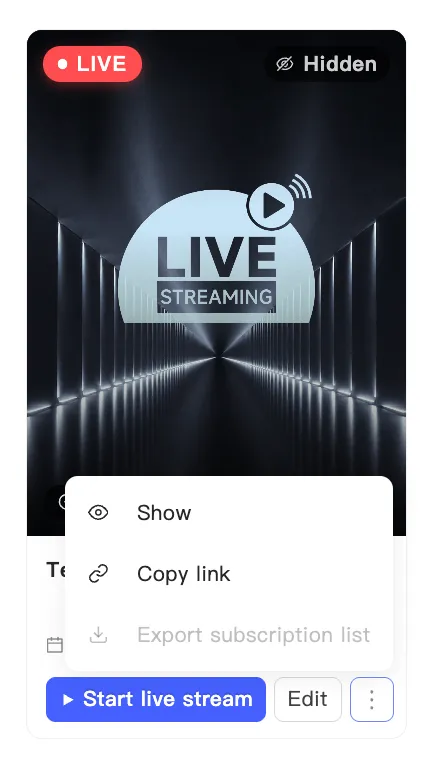
Every broadcast has a public link. Send it by email, post it on social, or drop it in a customer group. Anyone who opens it lands in the live room.
Copy the link
Section titled “Copy the link”- Find the event on the events page.
- Open the card’s menu and choose Copy link.
- A confirmation appears. Paste the link wherever you need it.
Check the shopper’s view
Section titled “Check the shopper’s view”The live manager has View on the live shopping page at the top. It opens the real store page for this broadcast in a new tab. Use it to confirm what your audience sees once you are on air.