

About the live shopping page
The live shopping page is a page in your own store where customers find upcoming broadcasts and past replays. It lives on your domain, not on a third-party platform.
MaxxShow creates the page for you
Section titled “MaxxShow creates the page for you”Installing MaxxShow creates this page in your store. You do not build it. The address looks like your-domain/pages/vh-live-shopping.
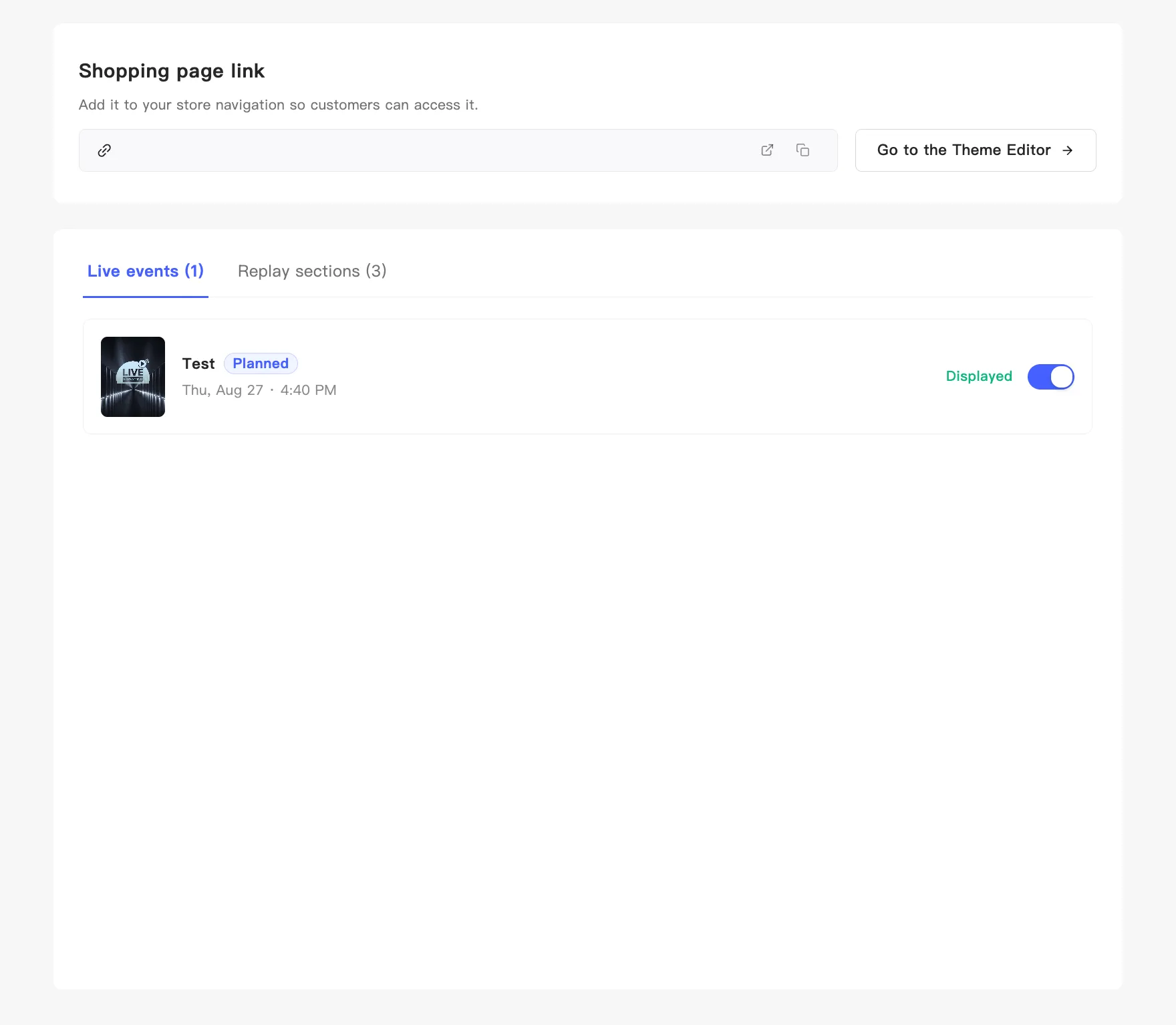
The Shopping page link block shows the full address, with two icons on the right: open the page, and copy the link.
What lands on the page
Section titled “What lands on the page”Two kinds of content, each matching a tab in the admin:
- Live events — upcoming and currently running broadcasts. Viewers can subscribe here to hear when you go on air.
- Replay sections — past replays.
You manage what shows and in what order from this page. See Reorder events and replays.
Two things still need you
Section titled “Two things still need you”Creating the page is not the same as filling it. Two steps remain:
- Enable the display components in your store theme — the page starts empty. You add the Live Events Block and the Replays Block yourself. Go to the Theme Editor takes you there.
- Put the page in your store navigation — otherwise customers cannot find it. See Add the page to store navigation.
These are steps 2 and 4 of the setup checklist. See Complete the setup checklist.