

Delete a replay
Remove a replay for good. This does not reverse.
- Open the replays page and find the replay.
- Open the card menu and choose Delete.
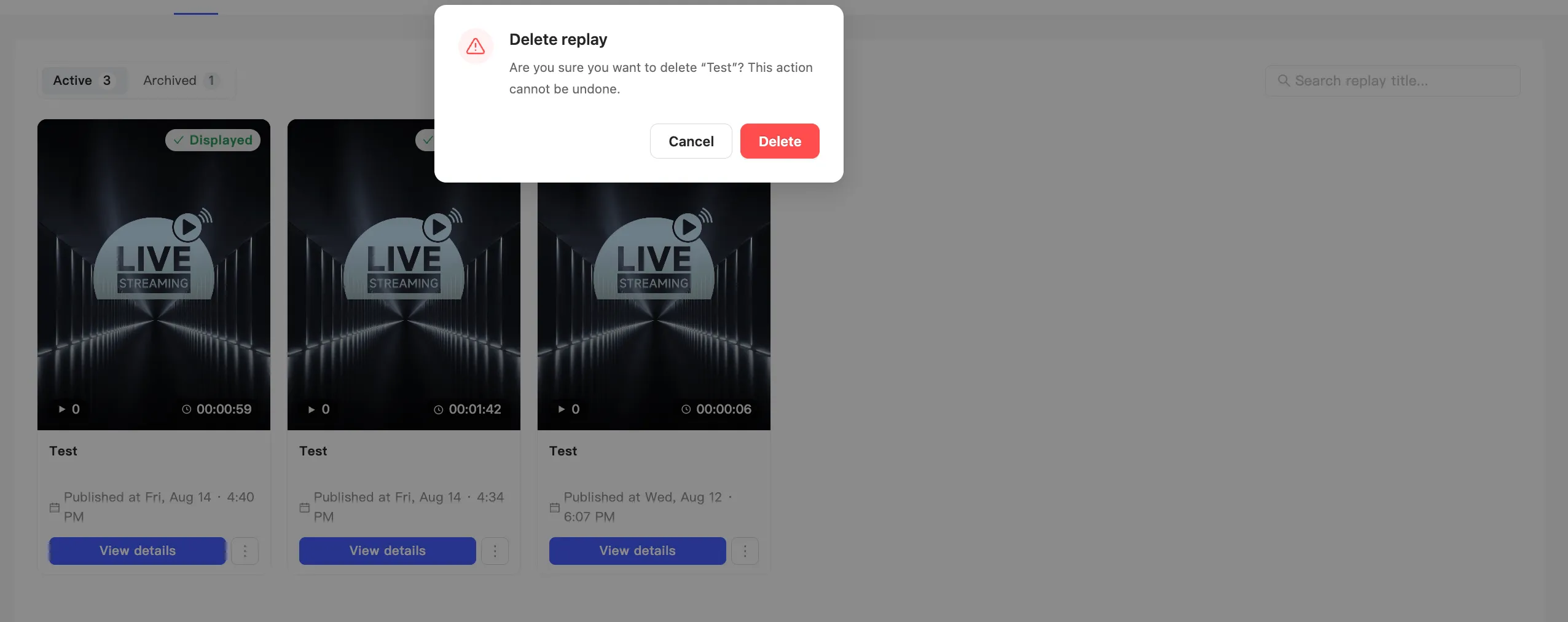
- The Delete replay dialog appears. It names the replay and warns that the action cannot be undone.
- Click Delete to remove it, or Cancel to keep it.
Consider the lighter options first
Section titled “Consider the lighter options first”Before deleting, check whether one of these does what you want:
| What you want | Use this |
|---|---|
| Off the shopping page, link still works | Hide it |
| Out of the default list, out of the way | Archive it |
| Gone for everyone | Delete |
Hiding and archiving both keep the direct link alive. Anyone holding it can still watch. Deleting is the only way to put a replay out of reach.