

Archive a replay
Once replays pile up, archive the old ones you no longer need on display. The list gets easier to scan. Archiving does not delete anything.
Archive
Section titled “Archive”- Open the replays page and find the replay.
- Open the card menu and choose Archive.
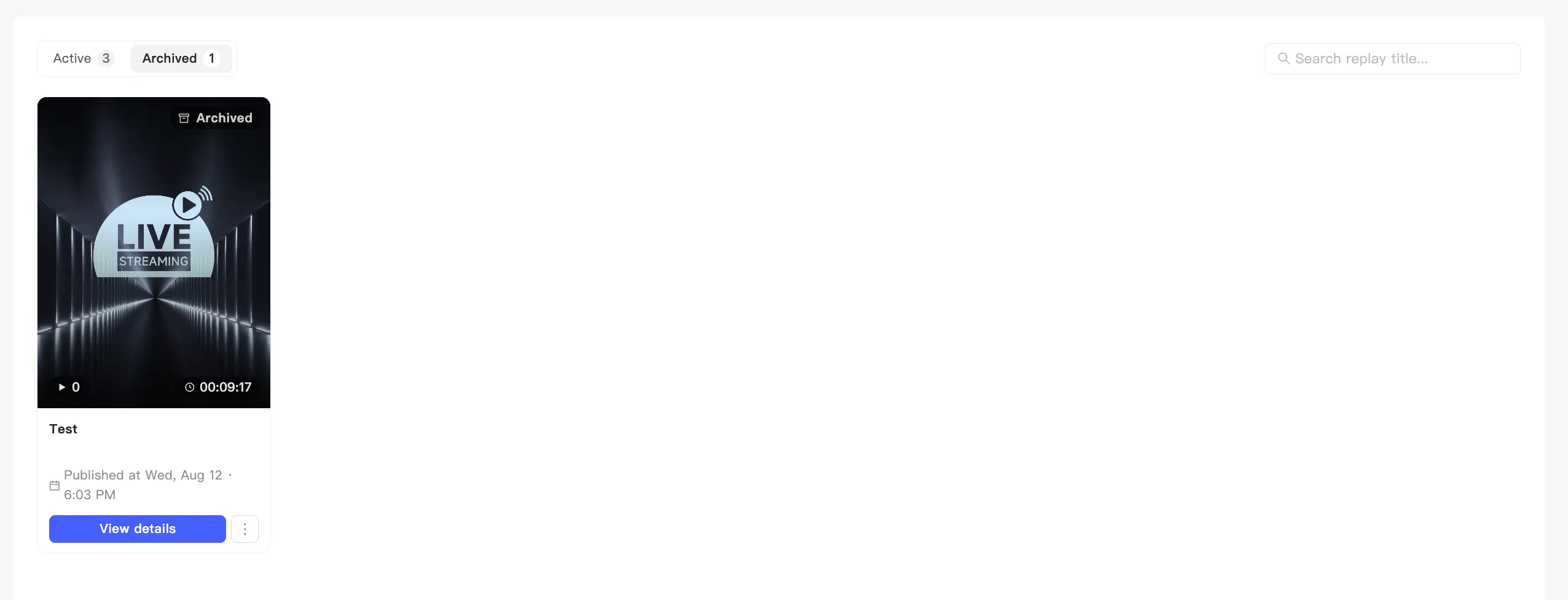
- A confirmation appears. The replay moves from the default list to the Archived tab and its badge becomes Archived.
Archiving takes it down. Display switches off with it, so the replay leaves your live shopping page immediately. You do not turn display off separately.
Unarchive
Section titled “Unarchive”Find it under the Archived tab, open the menu, and choose to unarchive. It returns to the default list.
Unarchiving does not turn display back on. The replay stays hidden. To put it back on the shopping page, turn display on yourself. See Show or hide a replay.