

Reorder events and replays
What customers see on your shopping page, and in what order, is managed from the live shopping page admin. You do not need the theme editor for this.
Two tabs
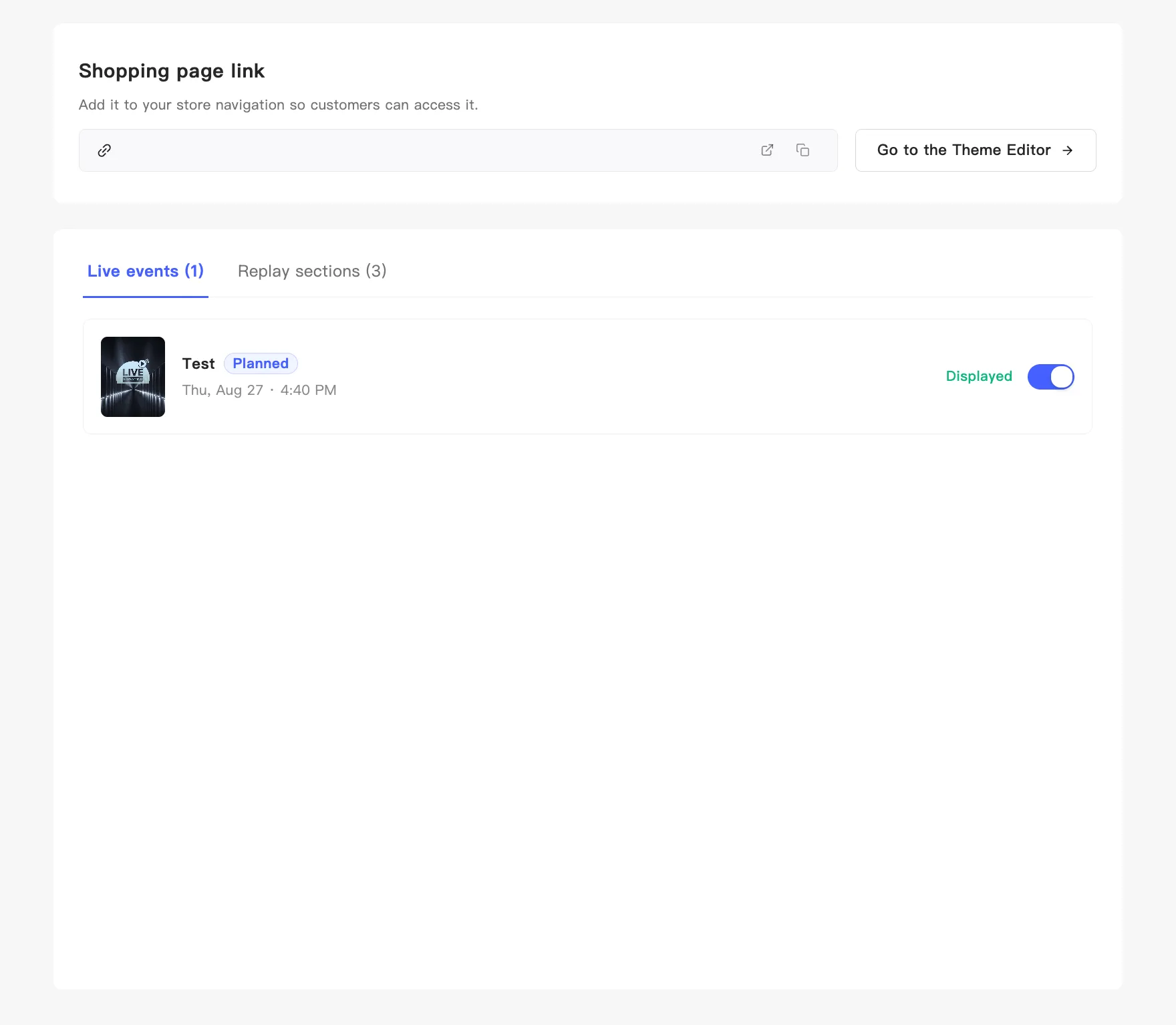
Section titled “Two tabs”- Live events — upcoming and currently running broadcasts.
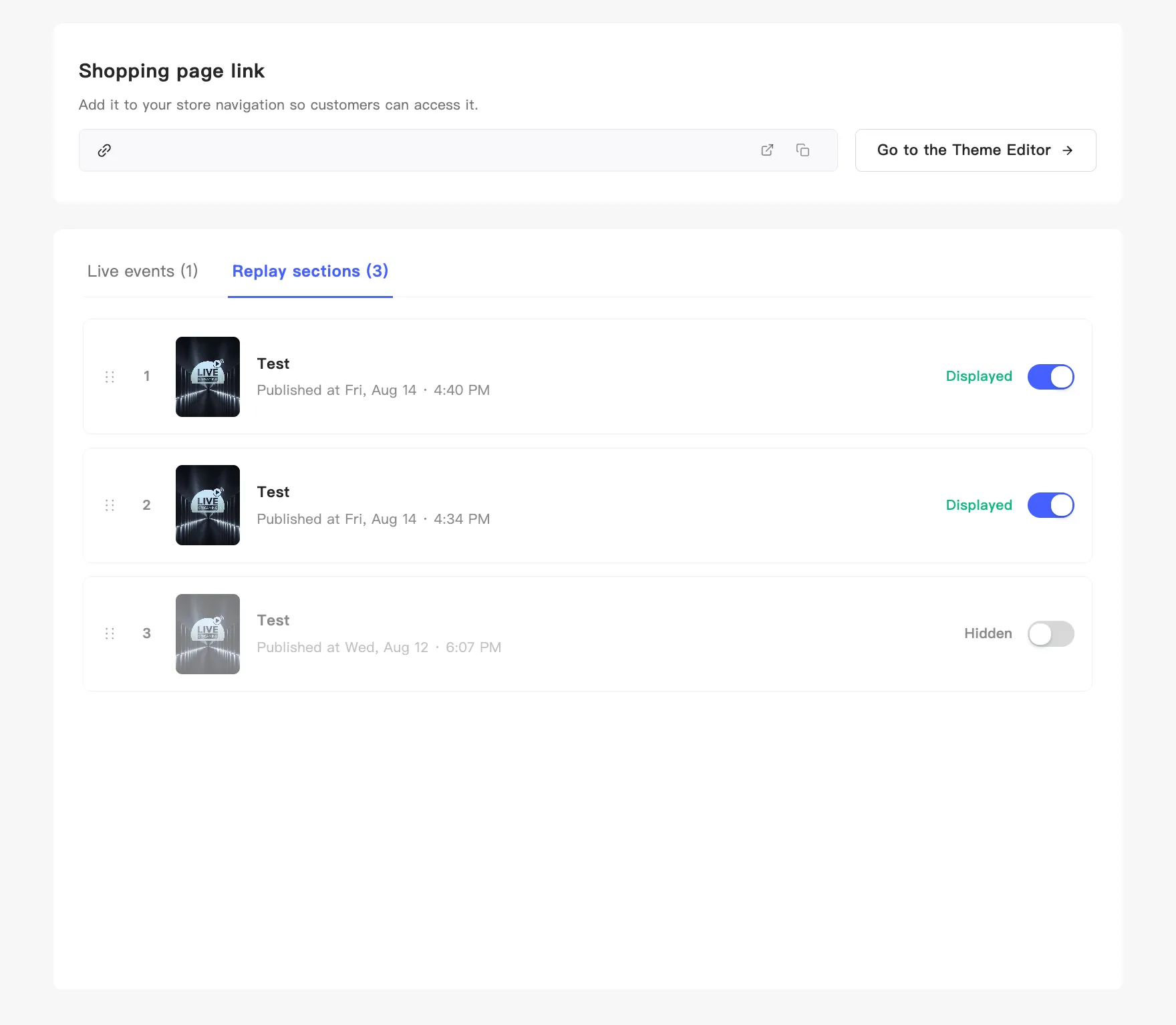
- Replay sections — past replays.
The number after each tab name is how many items it holds.
Control whether an item shows
Section titled “Control whether an item shows”Every row has a toggle on the right, labelled Displayed or Hidden. Click to switch it, and a confirmation appears. Hidden rows dim, so you can see at once which items are not public.
This works for both events and replays.
Reorder replays
Section titled “Reorder replays”Only replays reorder by hand. Each row in the replay block has a number and a drag handle on the left. Hold the handle, drag up or down, and release. A confirmation tells you the display order updated.
Customers see replays in exactly this order, so you can drag your headline session to the front.
Event order is automatic
Section titled “Event order is automatic”The live event tab has no drag handles, and the order is fixed. MaxxShow sorts by start time and puts anything currently live first, so customers land on it.
An event in testing looks the same to customers as one that has not started. During testing they still get the pre-broadcast cover.